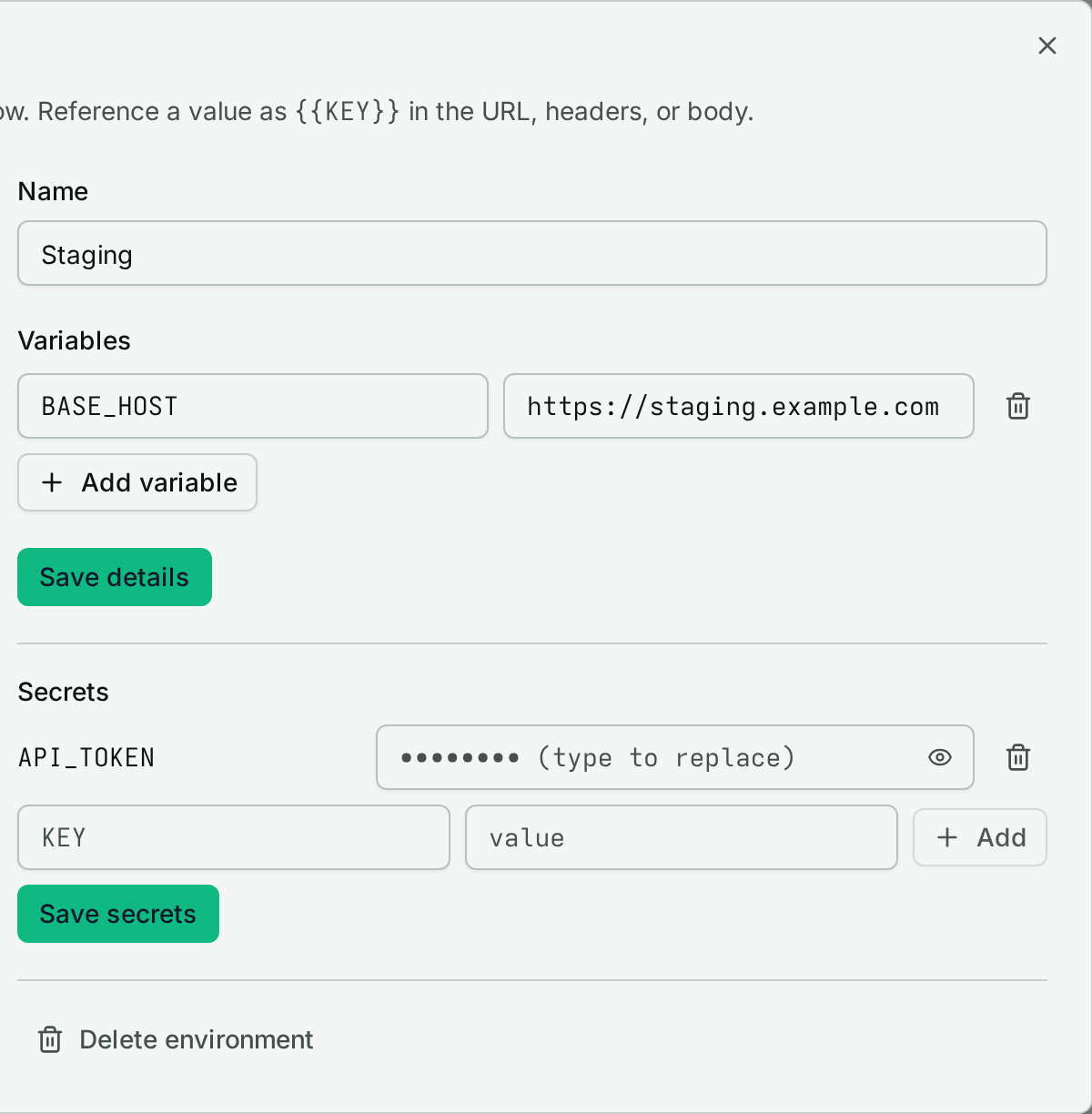
The same check often needs to run against staging with one token and production with another. Environments solve this in ObserveOne: named sets of variables and secrets a check resolves at run time, so one definition serves every target.
What an environment holds#
| Variables | Secrets | |
|---|---|---|
| Stored as | plain values | write-only values |
| Read back as | full values | key names only |
| Good for | hosts, paths, tenant IDs | tokens, passwords, API keys |
Once a secret is saved, no screen or API response returns its value again; sending an empty value deletes the key.
How checks use them#
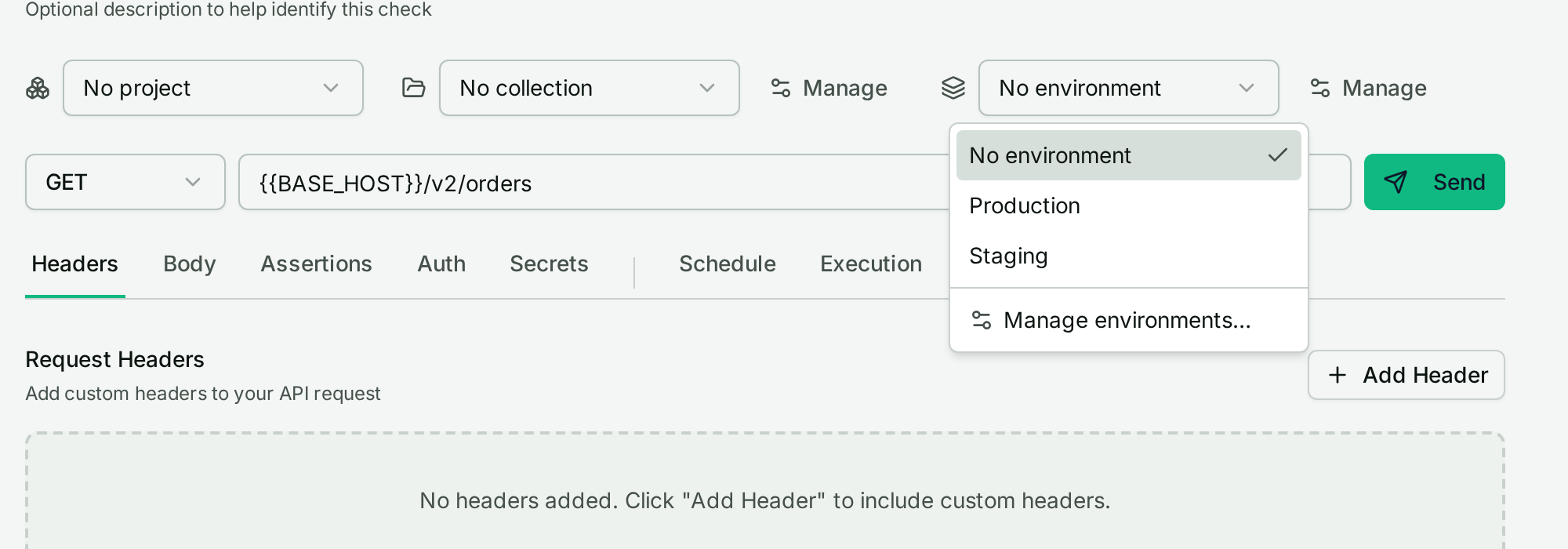
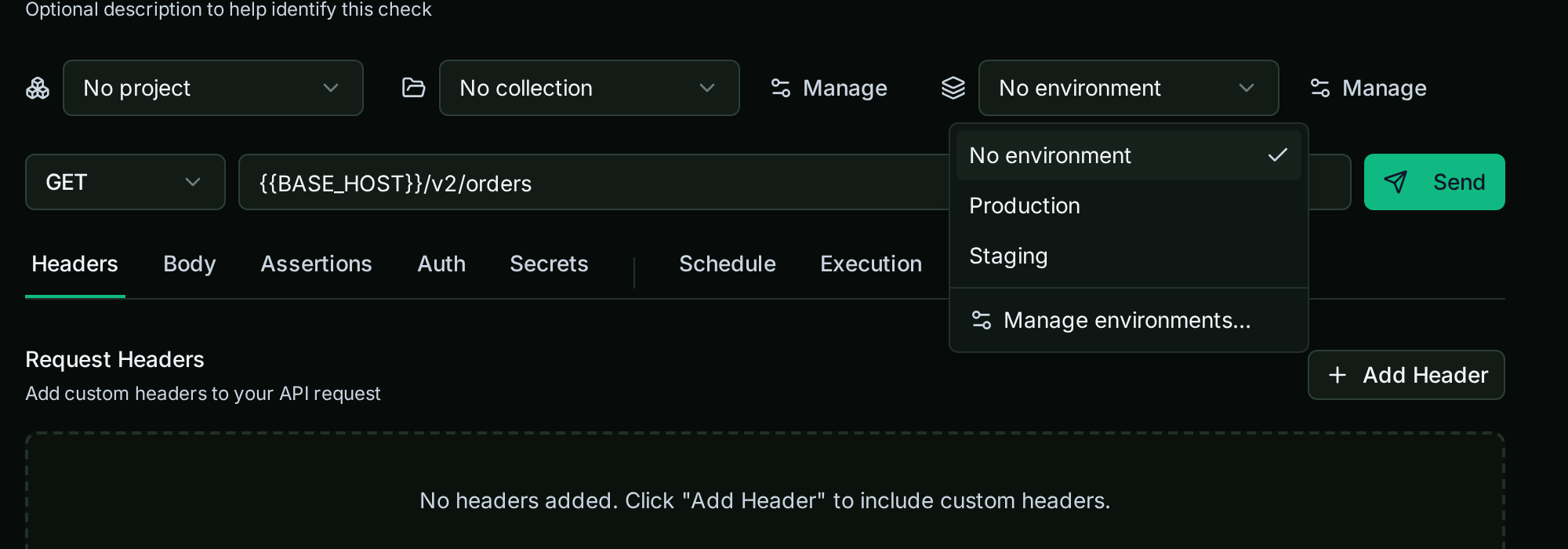
Reference any key as {{KEY}} in a check's URL, headers, or body:
GET {{BASE_HOST}}/v2/ordersAuthorization: Bearer {{API_TOKEN}}
GET {{BASE_HOST}}/v2/ordersAuthorization: Bearer {{API_TOKEN}}
Resolution happens server-side at send time. Imported .http
files keep their {{refs}} intact, so they
drop in without rewriting.
Scoping#
An environment is attached to one project, or to none:
- Project-scoped: appears only in that project's picker; one project's tokens never show up in another.
- Owner-global (no project): appears in every project's API checks, for values shared across all your work.
Limitations#
- Picking an environment applies to the API check run you trigger; scheduled check runs do not use one yet.
- No version history for edits: changing a value changes the next run.
Getting started#
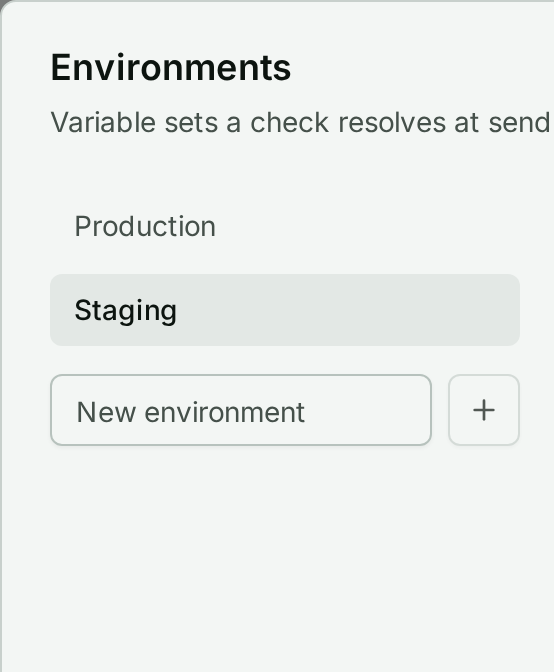
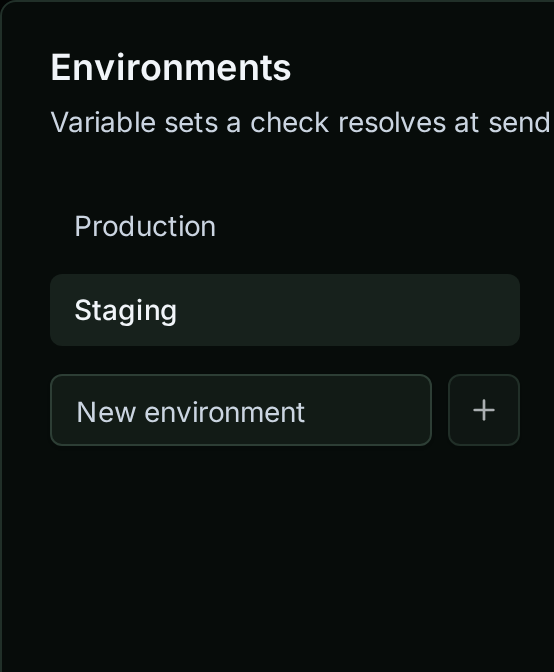
1. Create one environment per deploy target (Staging, Production).
2. Put hosts and IDs in variables, every credential in secrets.
3. Replace hardcoded values in the check with {{KEY}}.


4. Pick the environment in the check's switcher and send.


The same vault feeds ObserveOne's
Autopilot: generated
Playwright tests log in via process.env.KEY, never a literal password.