By the time the engine ran eight monitor types, it needed a real dashboard. We built one with no frontend framework: a hand-rolled vanilla-TypeScript single-page app, bundled by Bun, shipped inside the same container as the worker.
Why no framework#
oo-workers is a self-host product. The dashboard ships in the container next to the worker, so every dependency it carries is weight in the image and another thing to keep current. A framework would add a build toolchain, a runtime, and a churn cycle, to render what is ultimately an admin panel: operators glance at it, they do not live in it. Keeping it dependency-light meant a smaller image and a faster load, with nothing to upgrade between releases.
How it works#
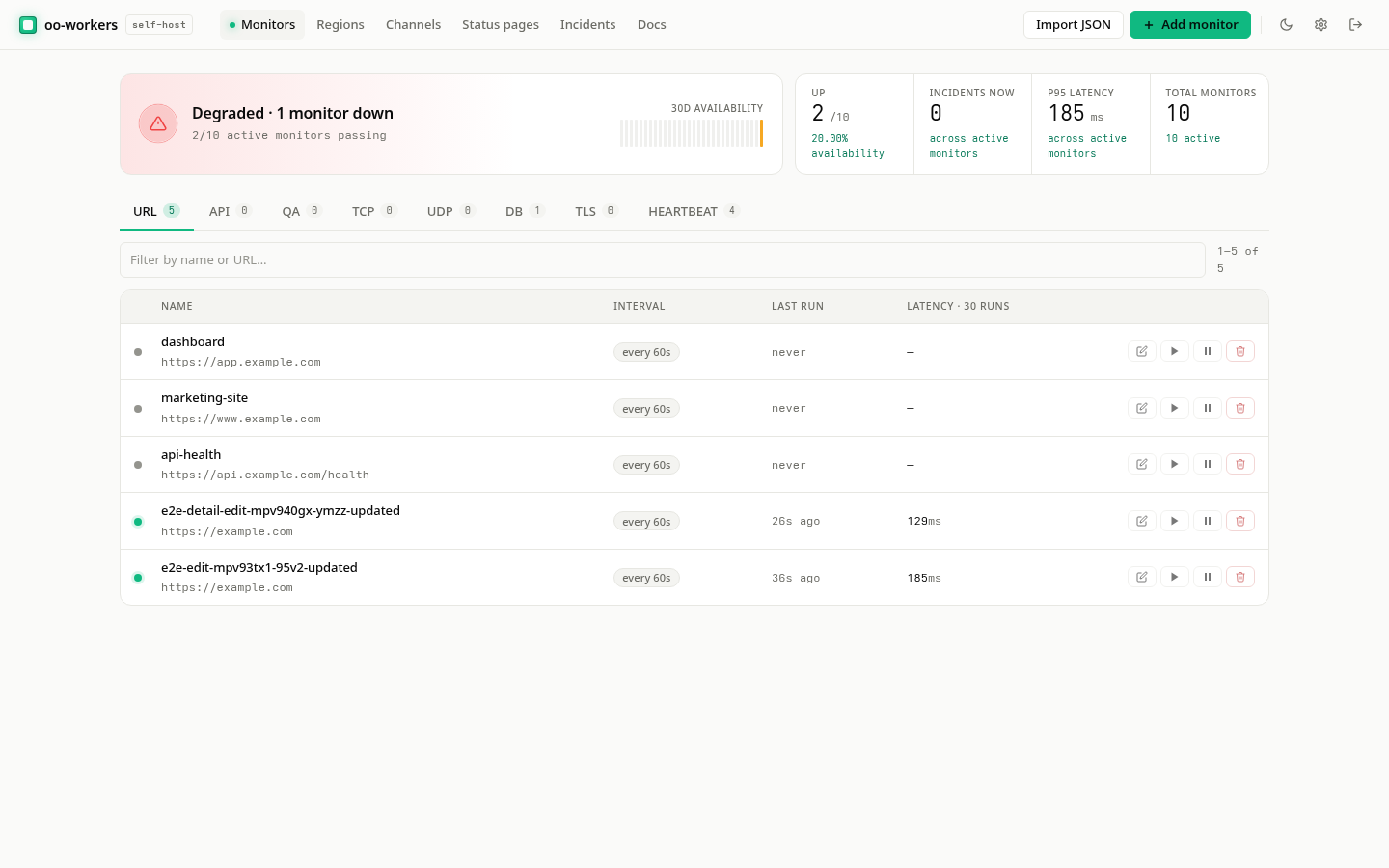
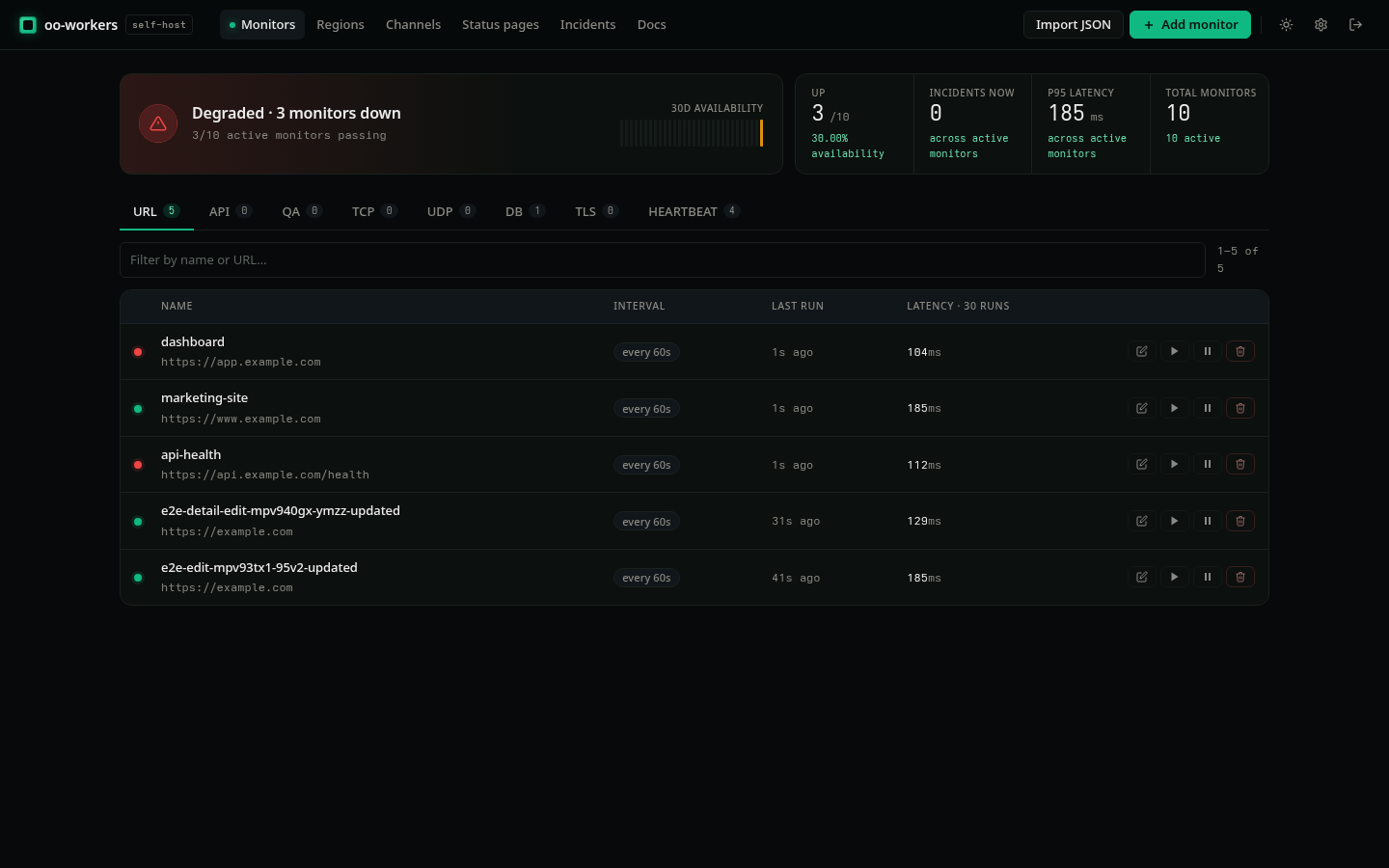
The whole UI is one app.ts that Bun bundles for the browser. Routing is hash-based, with a render function per view: list, detail, regions, channels, status pages, settings, incidents. Each renders its own markup; navigating swaps the view. There is no virtual DOM, because the views are simple enough that re-rendering on navigation costs nothing noticeable. Styling is a set of CSS tokens plus one stylesheet.
Public status pages are deliberately not part of this. They are server-rendered and anonymous, so a visitor checking your status loads plain HTML with no app to boot.
The v2 redesign#
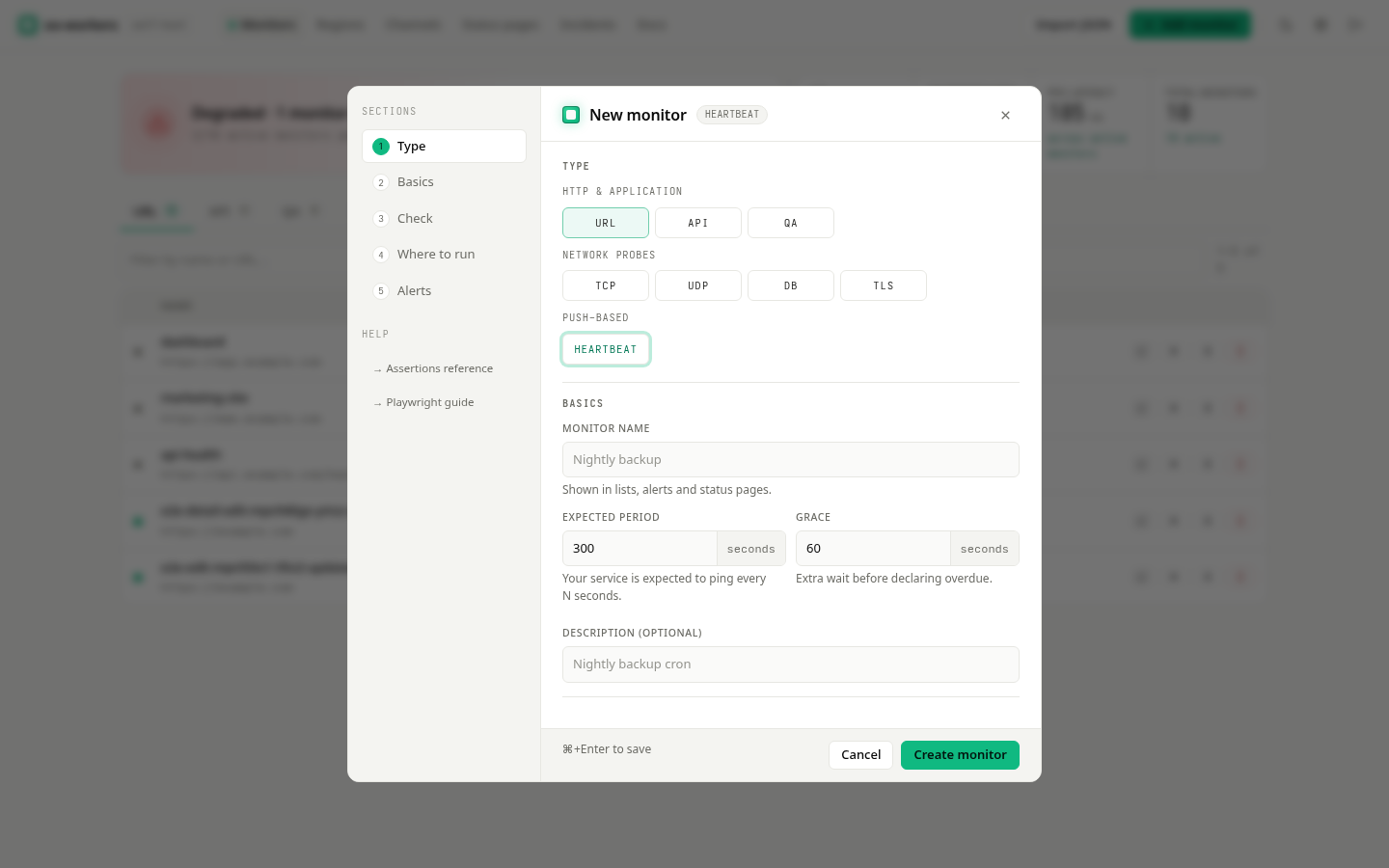
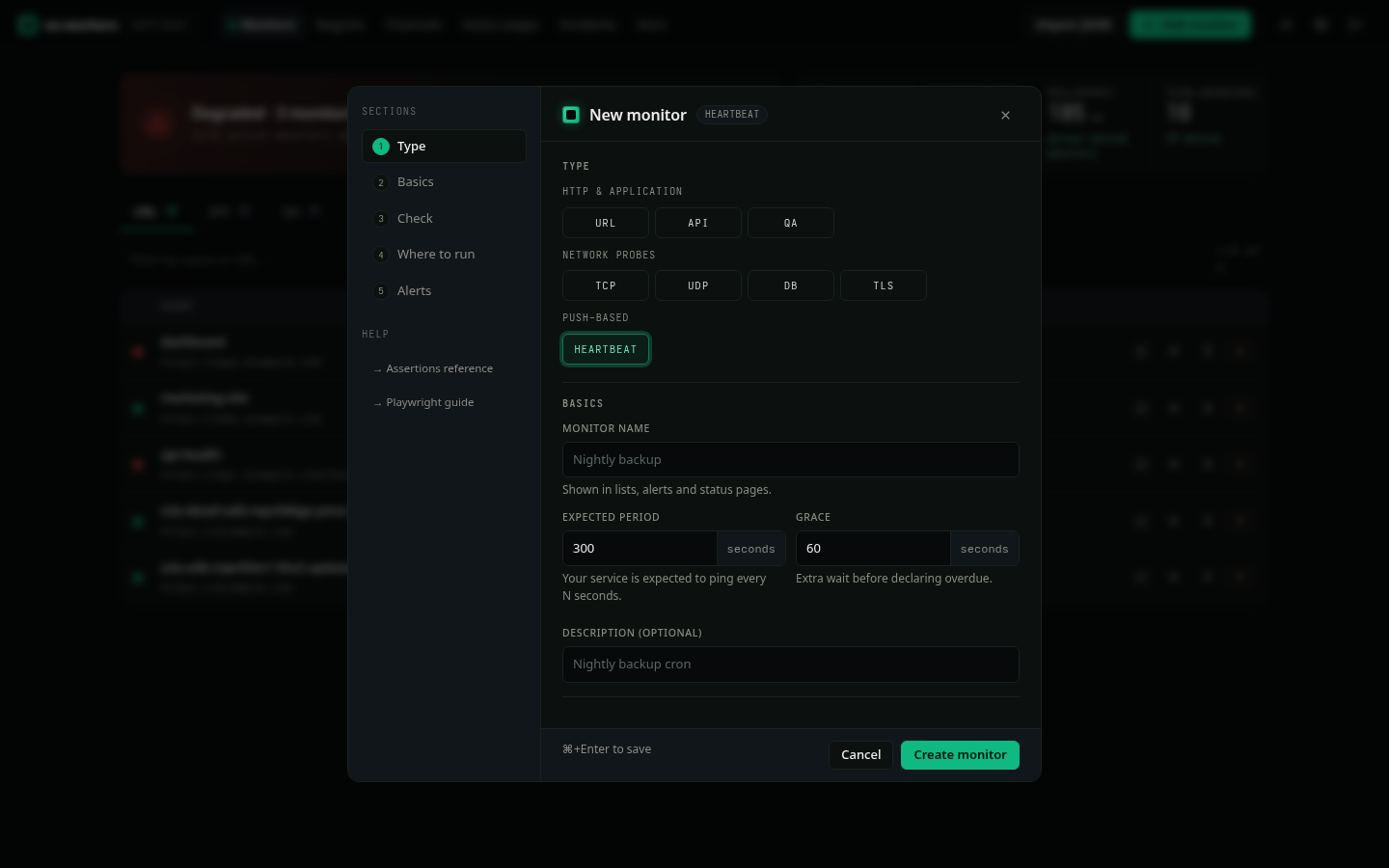
Version 1.16.0 was when the hand-rolled UI got real structure. It added a fixed navbar, a sectioned add-monitor dialog, slide-over create flows, a Settings page (profile, security, API keys, backup), an incidents list and editor, a dashboard active-incidents widget with a fleet-availability sparkline, brand-icon alert channels, and a reskinned login and setup flow. All of it built from the same plain primitives, no framework pulled in to get there.
The trade-off#
No framework means no component ecosystem. You write your own dialog and slide-over primitives, and deeply interactive state would eventually justify reaching for one. For a monitoring admin panel, it has not, and the payoff is a UI that adds almost nothing to the image and never breaks on a framework upgrade.