The Autopilot suite page now centers on an editable test plan instead of a read-only file tree. Autopilot still writes every scenario and script; you edit the plan, and only the files that plan touches get regenerated.
What changed#
| Before | Now | |
|---|---|---|
| Layout | nested sidebar over a file-tree IDE | split view: file rail + viewer |
| Plan | generated once, not editable | scenario cards or raw markdown, editable |
| Runs | a flat list | a dedicated Runs tab with history |
| Settings | fixed at creation | a Configuration tab, editable after creation |
The plan is editable#
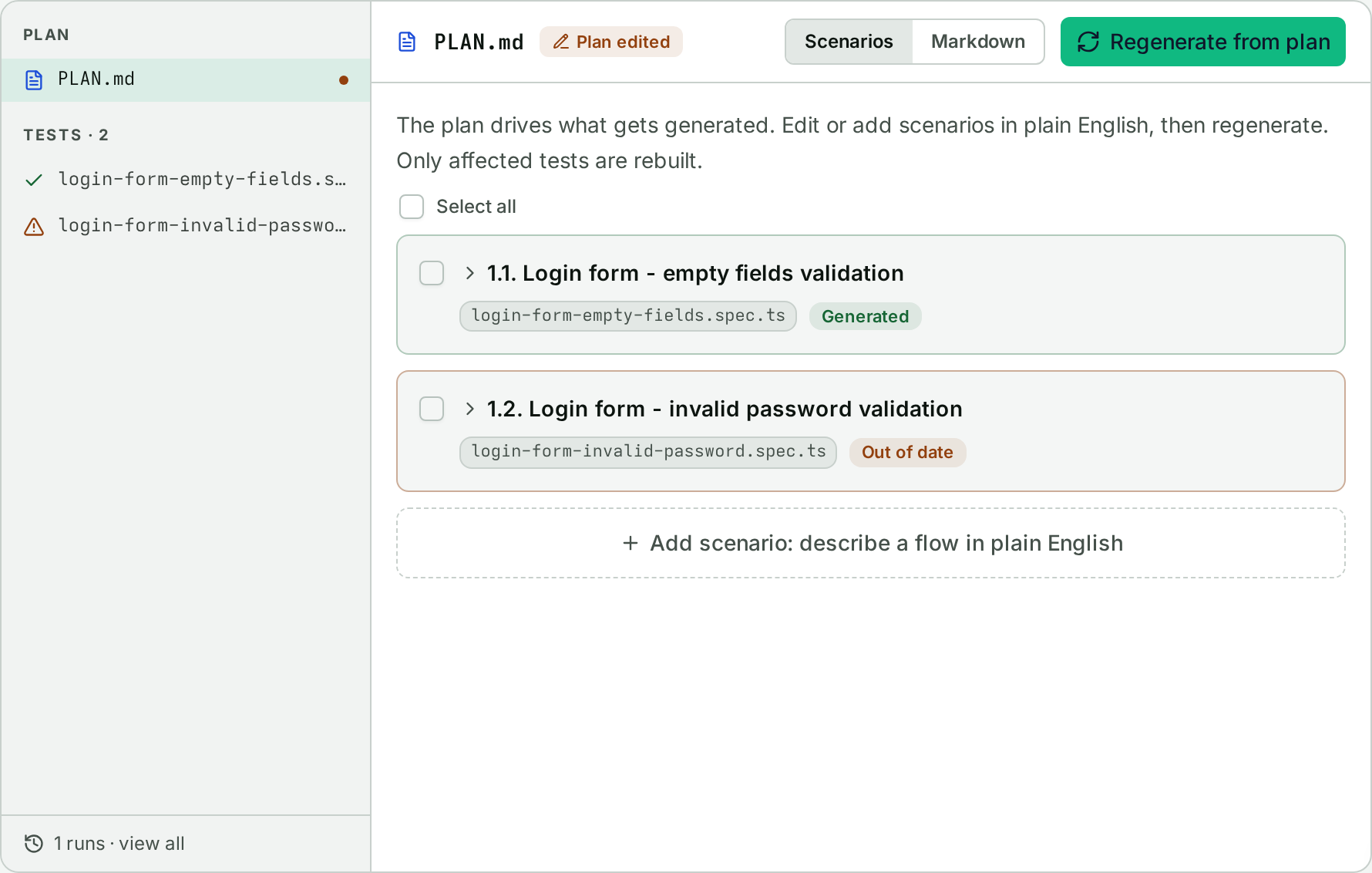
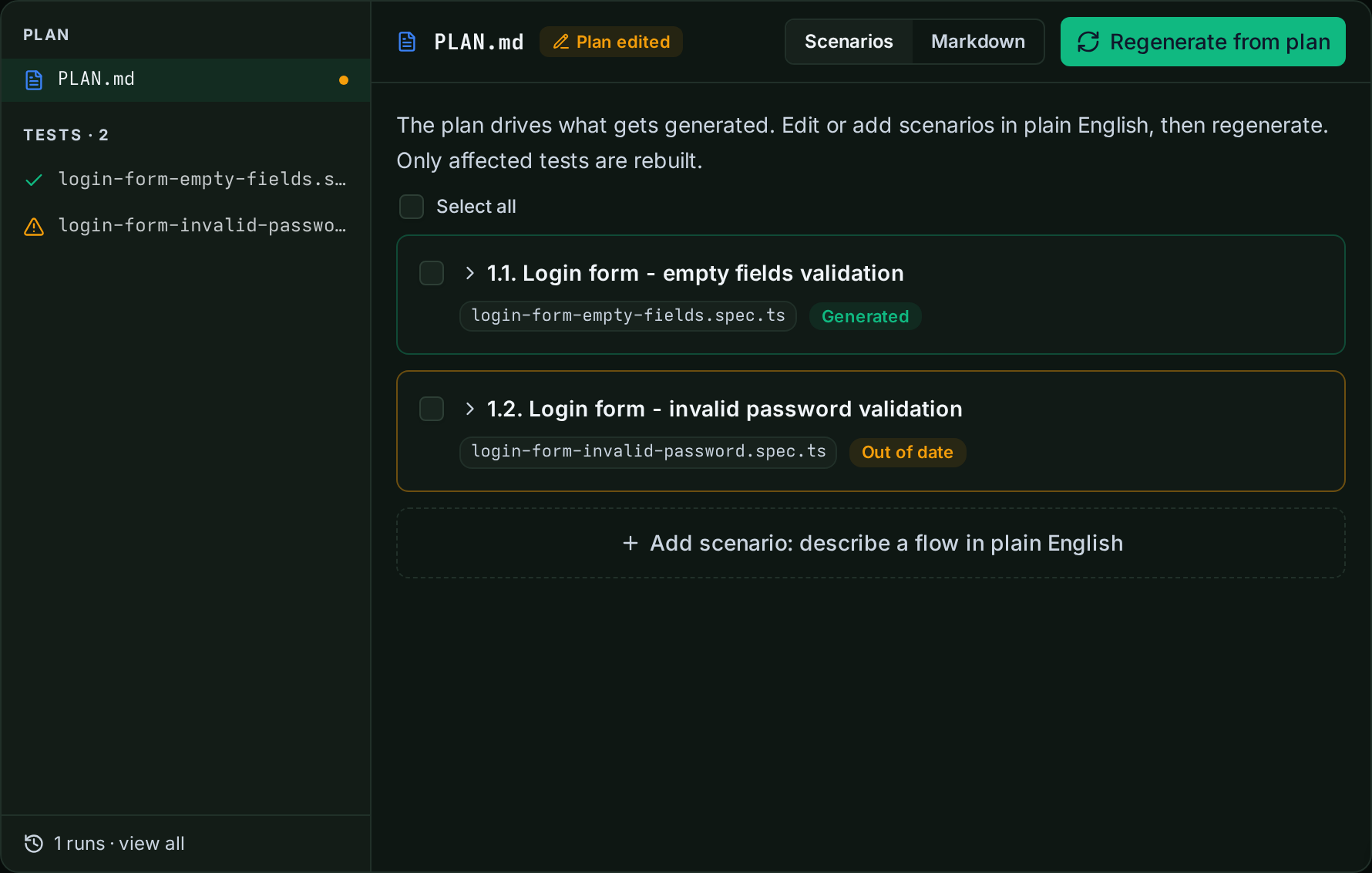
Each scenario is a card you can edit, add, dismiss, or restore. Editing a card rewrites only that section of the plan and marks its generated file stale; a Regenerate from plan action rebuilds the stale and missing files, leaving the rest untouched. A raw markdown mode sits alongside the cards for editing the whole plan file directly.
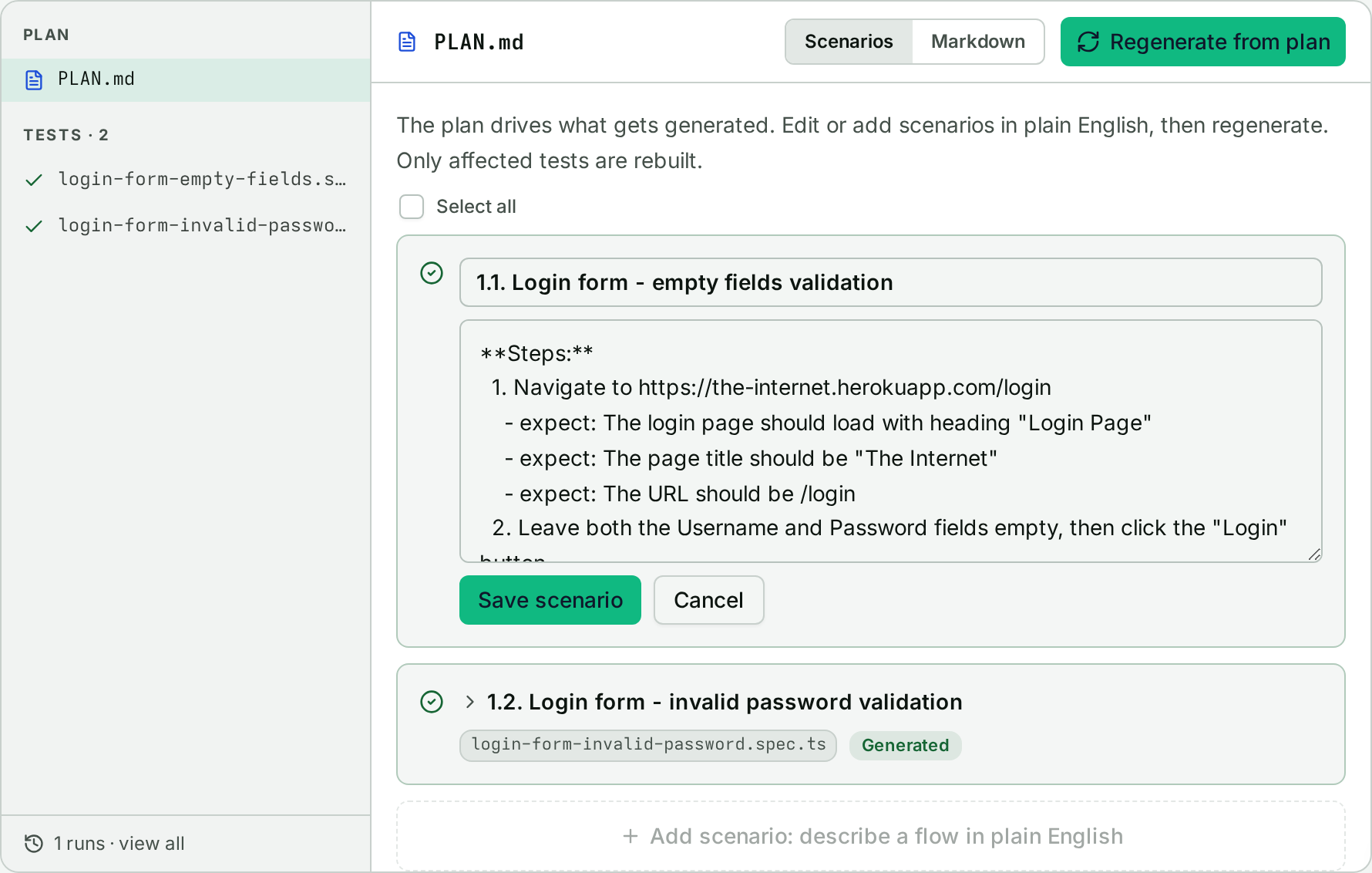
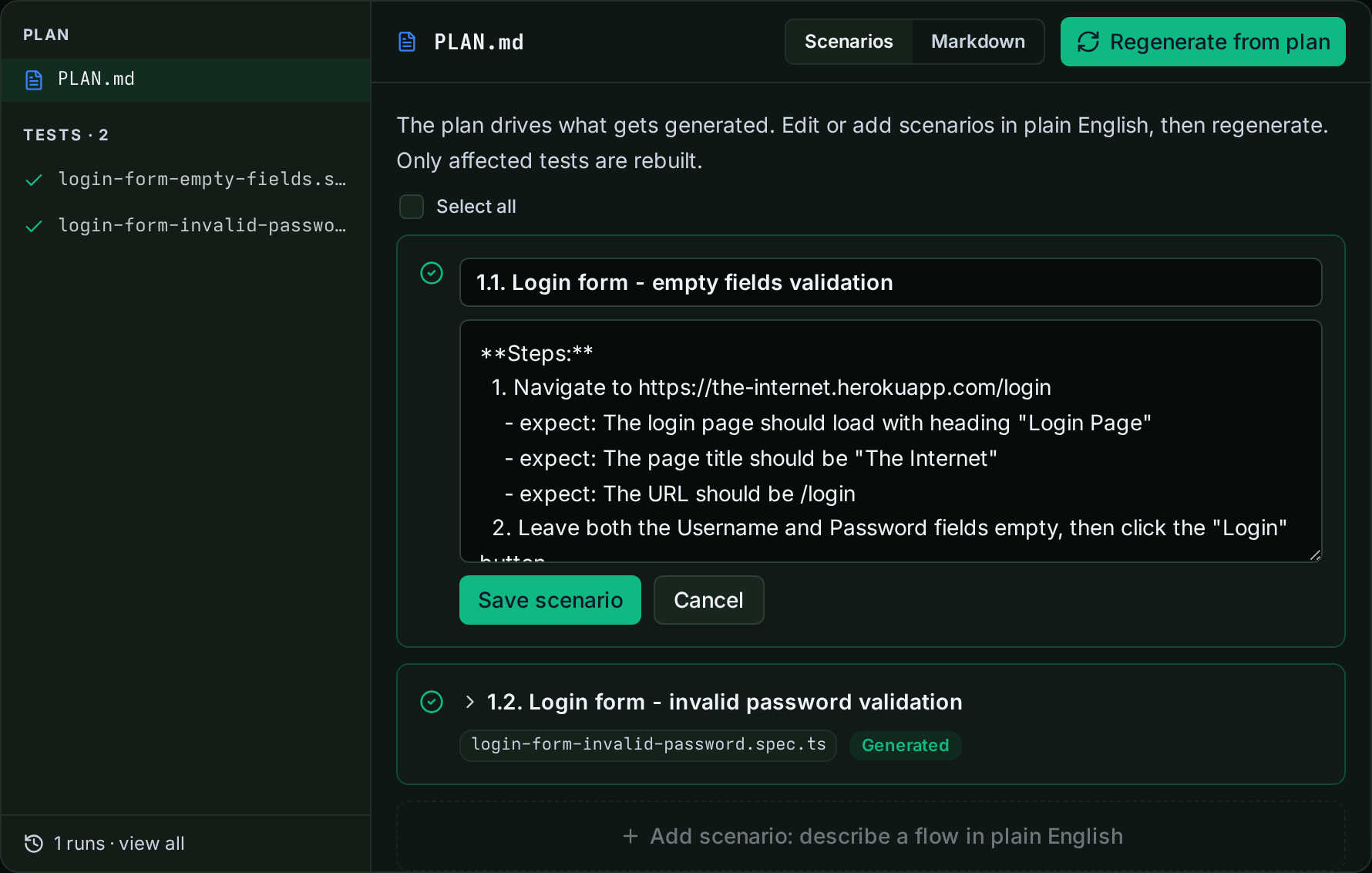
Save an edit and the affected file drops out of sync with what's on disk: its tag flips to Out of date, and Regenerate from plan rebuilds just that file, leaving the rest of the suite untouched.
Runs, with history#
The suite header shows pass rate, average duration, test count, and the last run, plus a run-history strip. The Runs tab lists each execution with its trigger source (manual, schedule, Netlify deploy, GitHub, or webhook) and a pass/fail status per test.
Configuration, after creation#
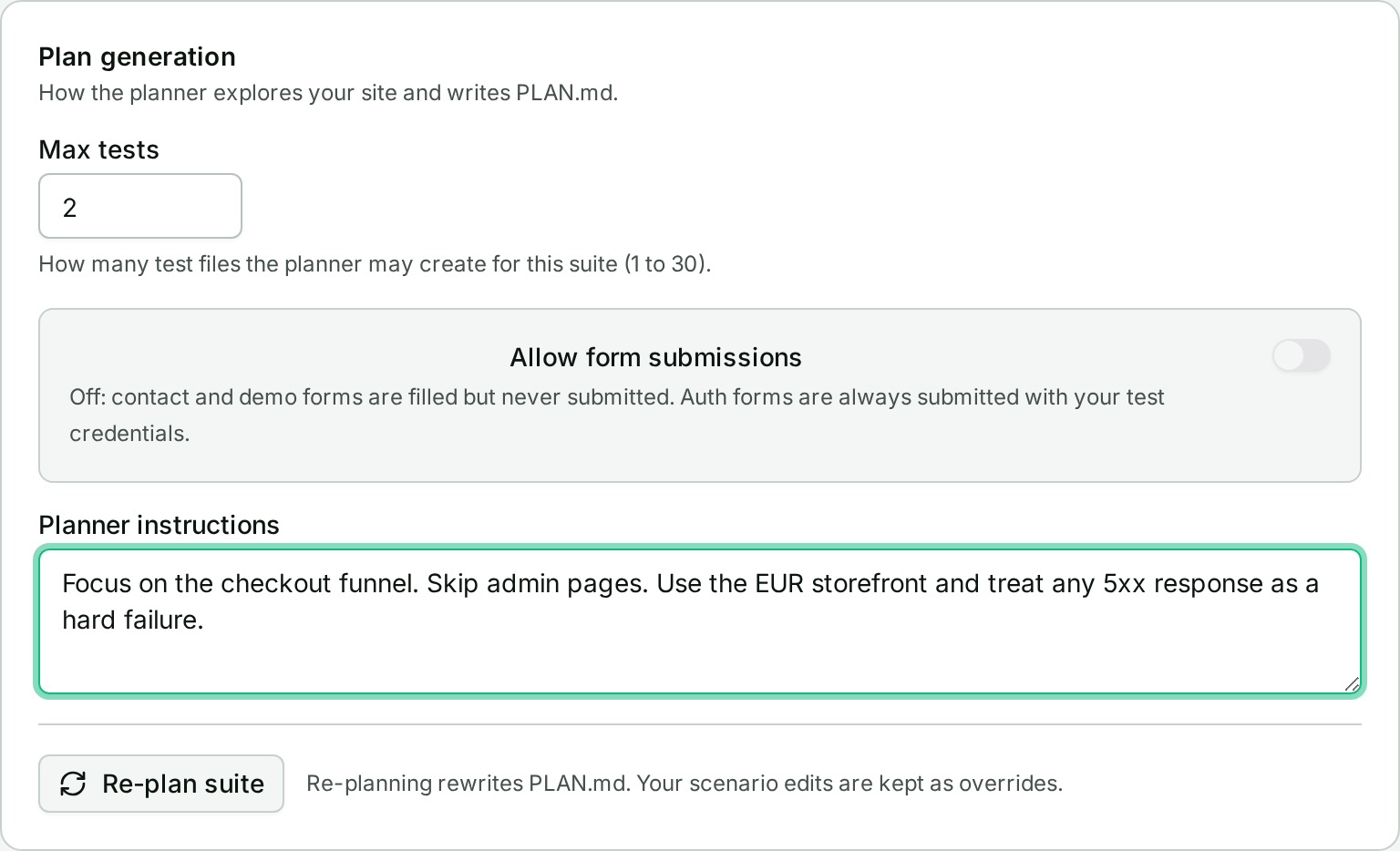
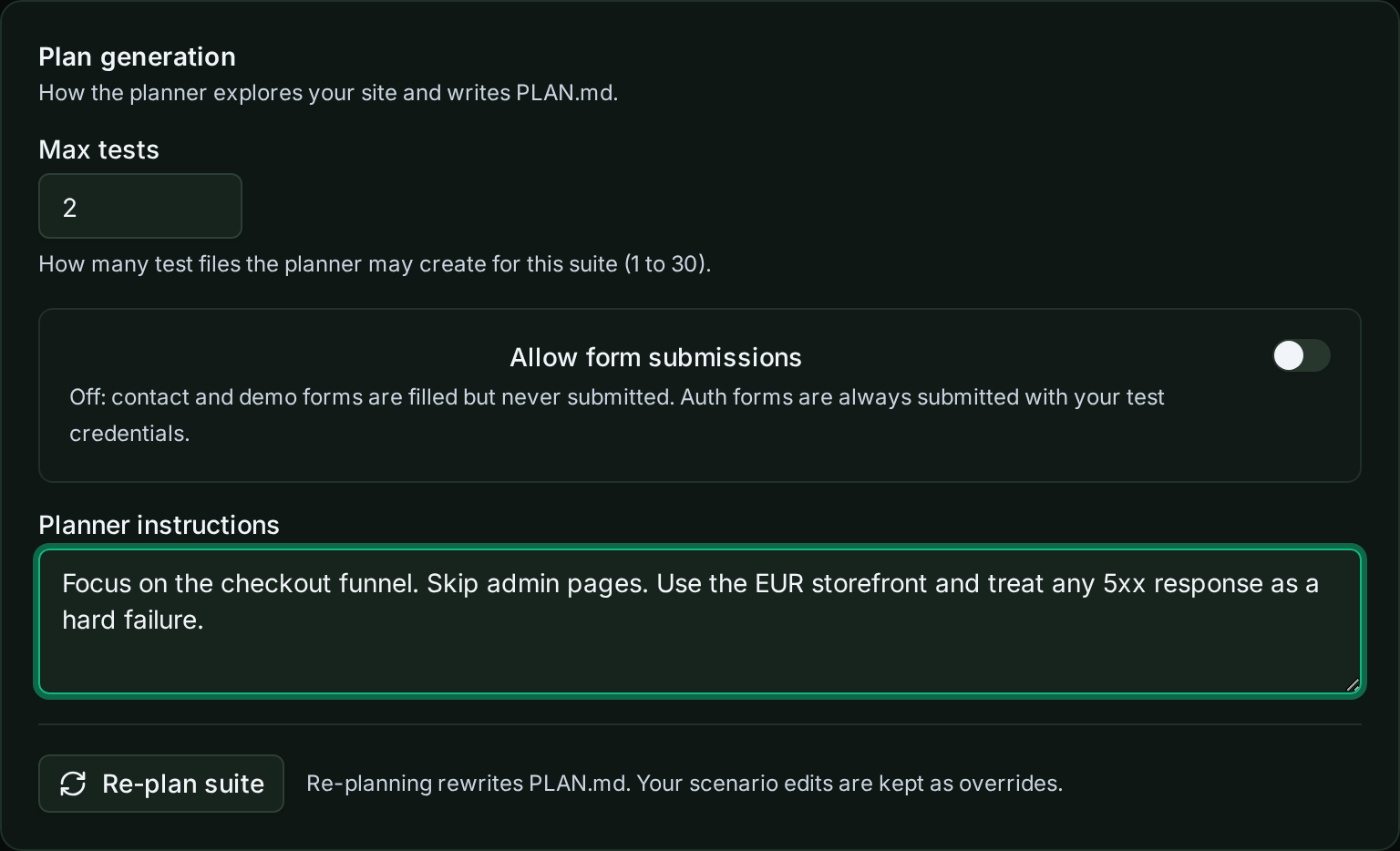
A Configuration tab makes generation settings editable post-creation instead of fixed at setup:
- Max tests and allow form submission for the planner.
- Planner instructions, a free-text steer (e.g. "focus on the checkout funnel, skip admin pages") read before the next plan is drafted.
- Public report link and schedule settings, in the same tab.
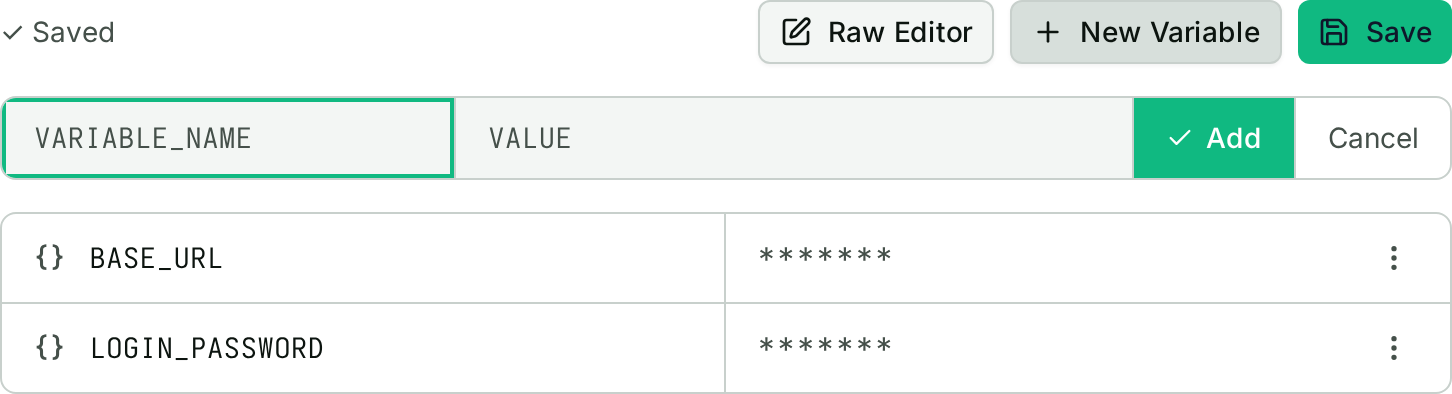
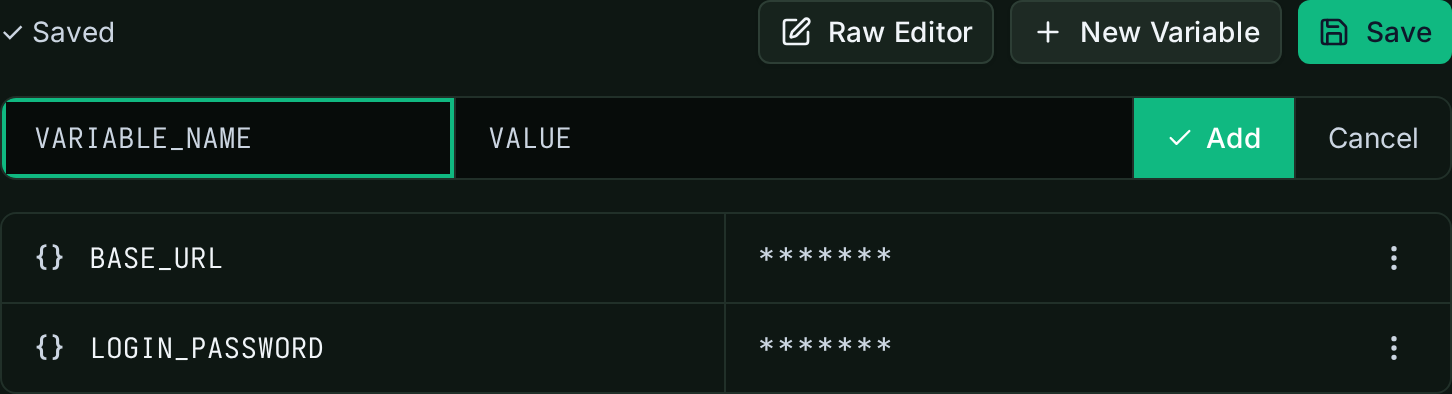
Environment variables live in the same tab. Values you set here are available to generated tests at run time, which is how a scenario can reach an authenticated flow instead of stopping at the login screen. Keys Autopilot detects in generated code show up automatically; regenerating with Regenerate from plan doesn't touch what's already saved.
Limitations#
- No version history: editing a scenario or script replaces it, nothing preserves the prior text.
- Regenerate only rebuilds stale and missing files. To force a full rebuild, edit or dismiss the scenarios you want re-generated first.
Getting started#
Open a suite in ObserveOne's Autopilot, click into the Tests tab, and edit any scenario card. Save, then run Regenerate from plan to catch the script up. The Configuration tab holds planner instructions if you want to steer the next generation pass without touching a scenario directly.