An API Check is a saved HTTP request ObserveOne runs on demand or on a schedule, validates against assertions, and alerts on when it breaks. It is both a request builder and the unit a scheduled, multi-region monitor runs.
This page takes you from an empty form to a saved, working check. Auth, collections, environments, and scheduling each have their own page.
The check builder#
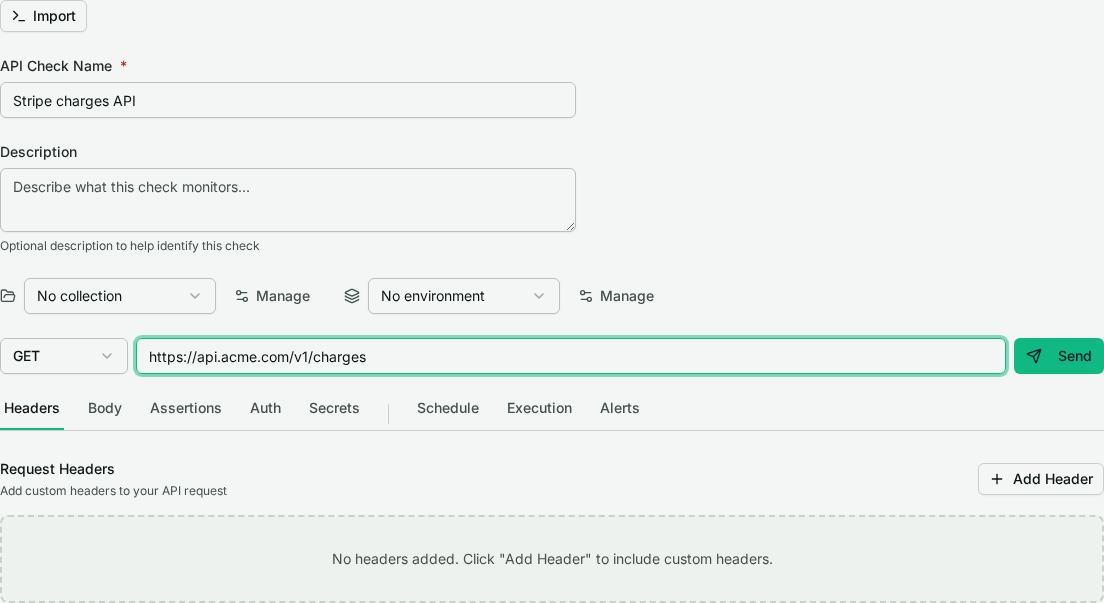
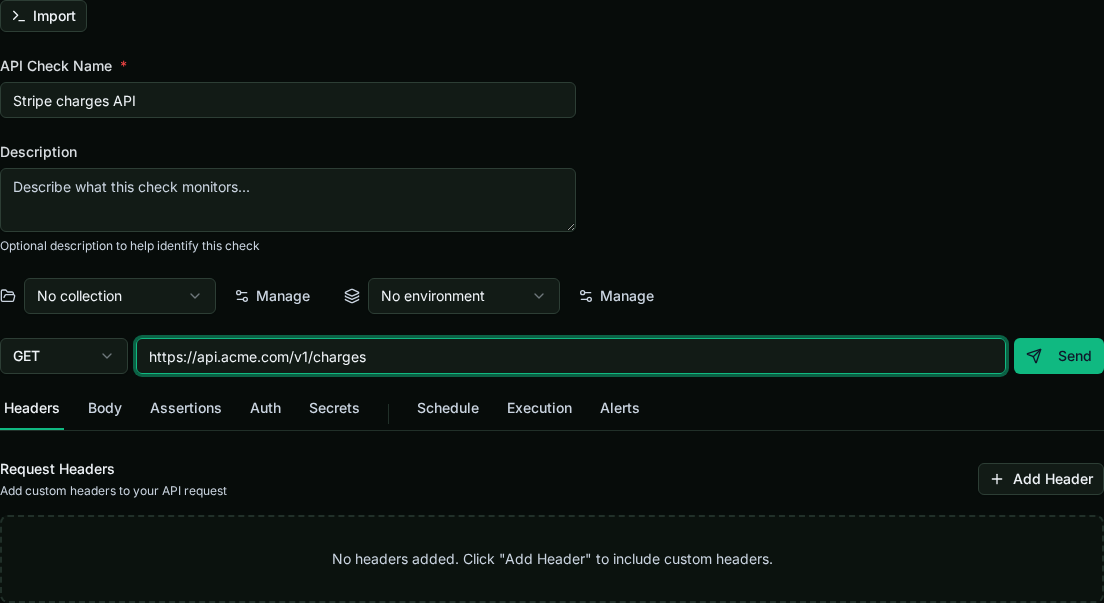
Open API Checks in the dashboard and choose New check. The builder has two parts:
- A request line at the top: name, an optional collection and environment, the HTTP method, the URL, and a Send button.
- A tab strip below. Headers, Body, Assertions, Auth, and Secrets define the request and what counts as a pass; Schedule, Execution, and Alerts control how it runs unattended.
Build your first request#
- Give the check a name so you can find it later.
- Pick the method (GET, POST, PUT, PATCH, DELETE, HEAD, or OPTIONS) and enter the URL. Use an absolute
https://URL, or a relative path like/usersif the check belongs to a collection (the path joins the collection base URL). - Add request Headers as key/value rows on the Headers tab.
- For a method with a body, open the Body tab. JSON bodies get a dedicated editor with a Format action.
You can reference stored secrets and environment variables anywhere in the URL, headers, or body with {{KEY}} syntax. Those resolve server-side at send time and never appear in the saved request. See Authentication & secrets.
Send it now#
Press Send to run the request now against the live endpoint. ObserveOne runs it server-side and shows the status code, response time, body, and headers inline, without saving.
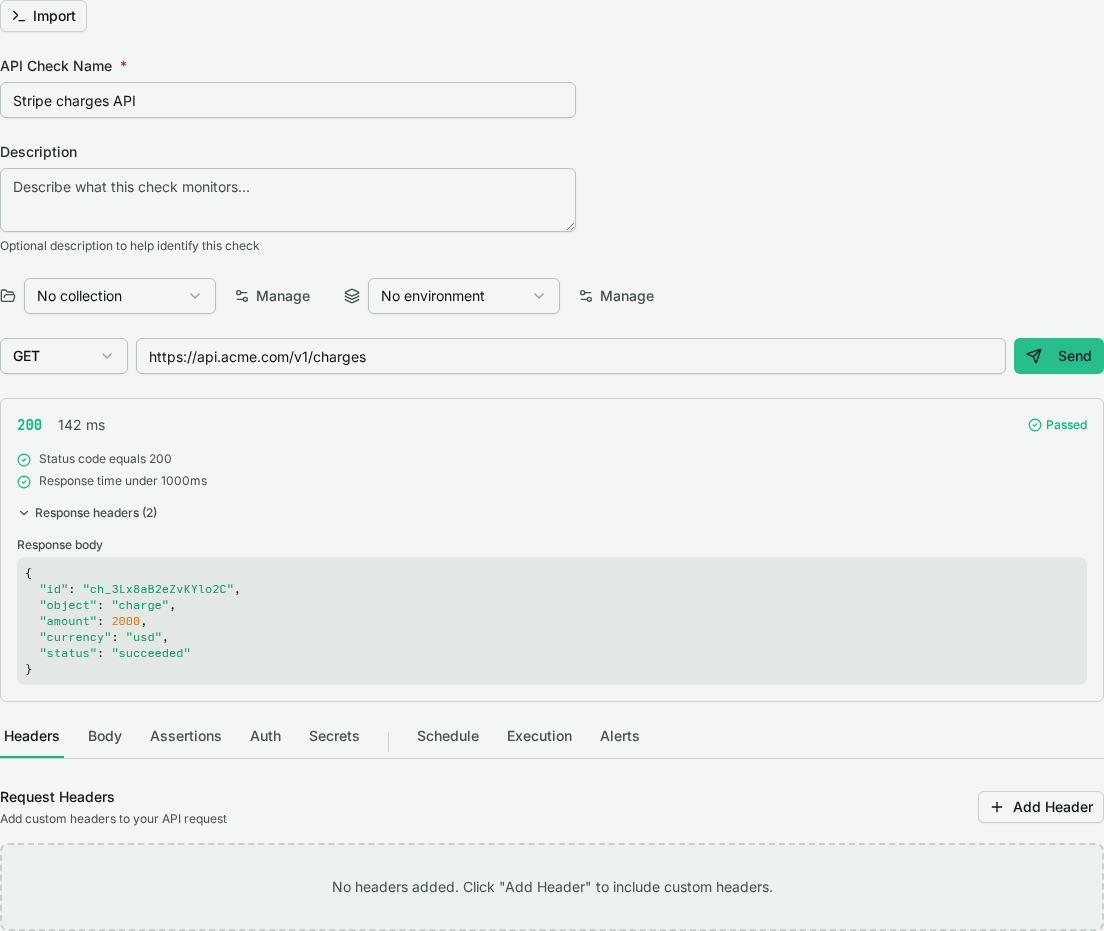
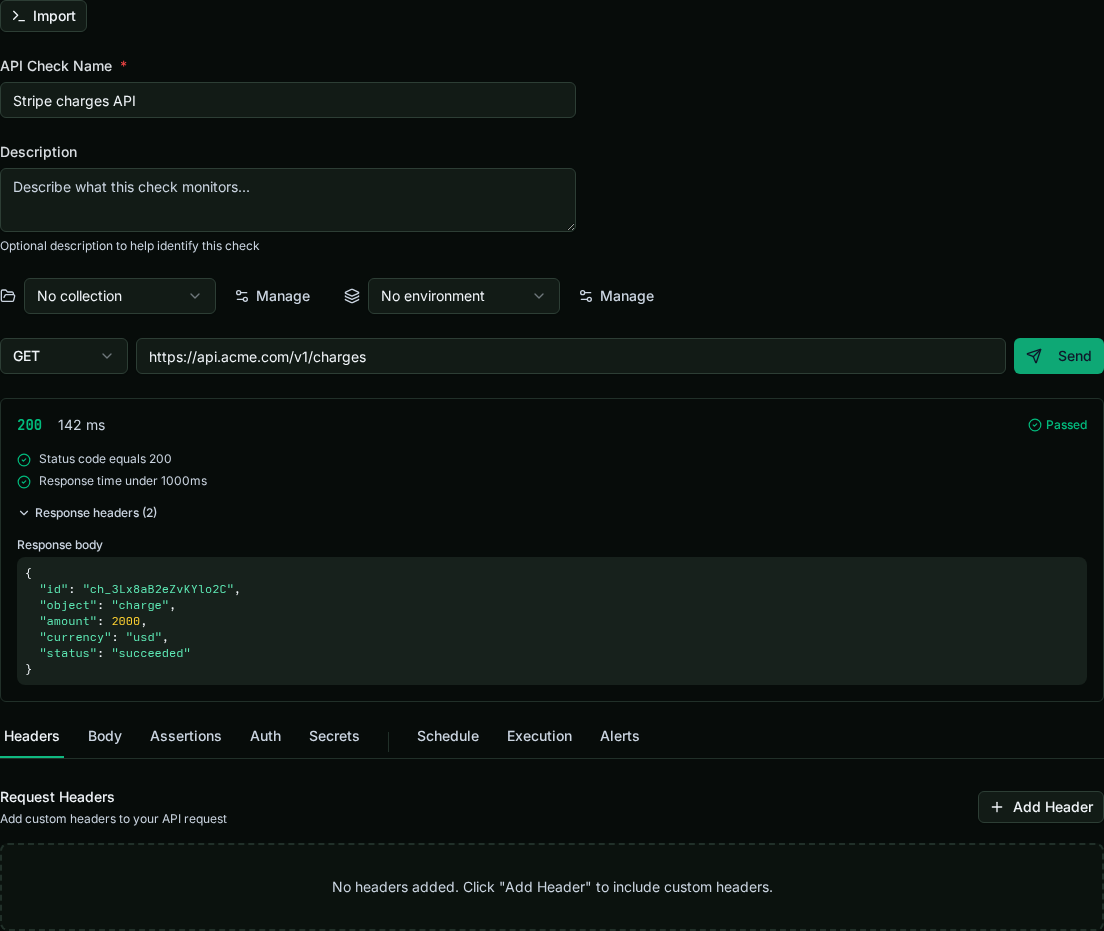
Send-now is the fast feedback loop while composing. A non-2xx response shows as a normal result, not an error, so you can see exactly what came back.
Import a request#
If you already have a request as a curl command or in a .http file, paste it with Import. The format is detected automatically and the method, URL, headers, and body are parsed into the form so you do not have to retype them. A .http file can hold several requests; when it does, pick the one to import.
Save the check#
Once the request looks right, save it to reach the check detail view, where you can run, schedule, group, and export it. Saving is also required before adding secrets (the vault is keyed to the saved check).
Export to curl or .http#
From a saved check you can export the request as a curl command or a .http file for use in another tool or in a commit. Secret values are never exported. References are emitted as {{KEY}} placeholders (for .http, as native variables with @-declarations), so a shared export never leaks a credential.
Next steps#
- Authentication & secrets: Bearer, Basic, API key, and OAuth2 auth, plus the per-check secrets vault.
- Collections & environments: group checks under a shared base URL and switch variable sets.
- Scheduling, alerts & import/export: promote a check to a monitored, multi-region run.