A saved check runs on demand with Send. To turn it into a monitor that runs unattended and tells you when an endpoint breaks, use the Schedule, Execution, and Alerts tabs, and define Assertions for what counts as healthy.
Assertions#
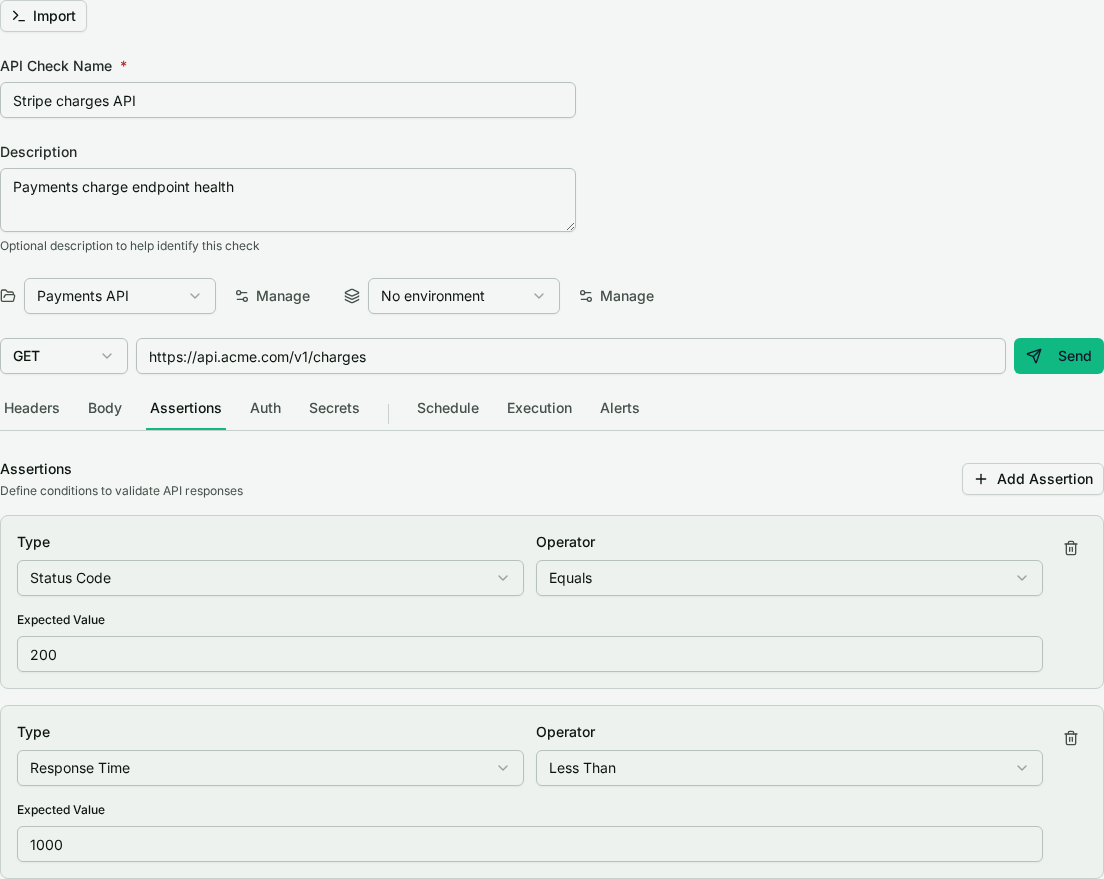
On the Assertions tab, define the conditions a response must meet to pass. Each assertion has a type, an operator, and an expected value:
- Status code, for example equals
200. - Response time, for example less than
1000milliseconds. - JSON path, to check a field in a JSON body at a given path.
- Text contains, to require a substring in the response body.
- Header, to check a response header value.
Operators include equals, not equals, contains, not contains, greater than, less than, and regex match. A run fails if any assertion fails, and that is what drives alerting.
Schedule#
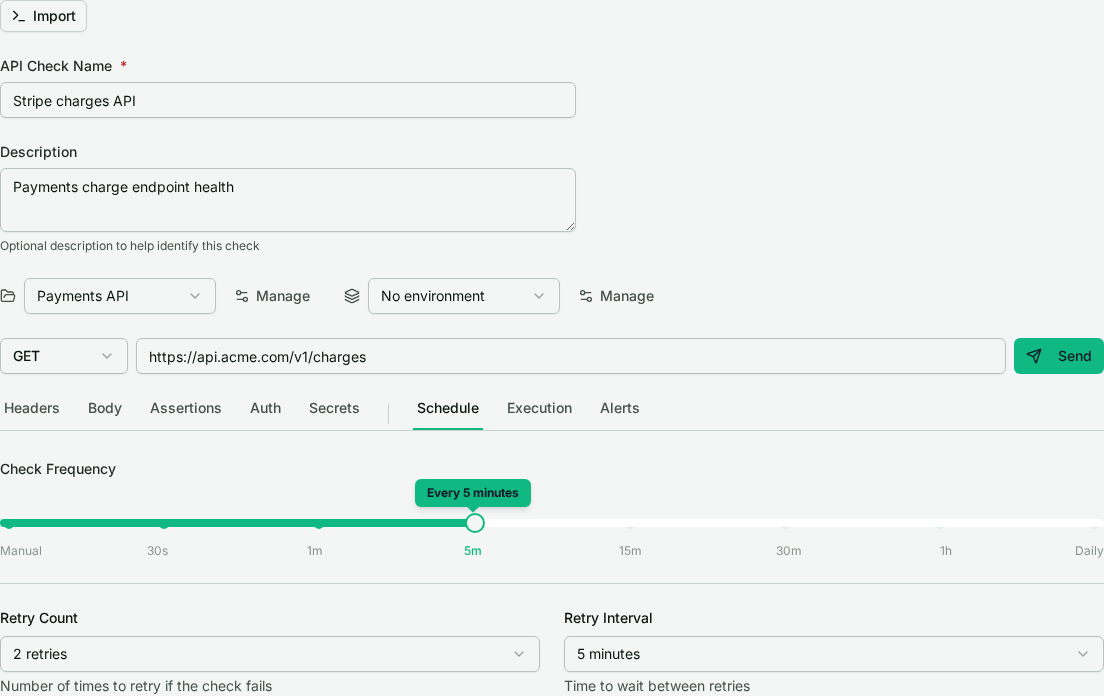
On the Schedule tab, set how often the check runs with the frequency control. Once a schedule is on, you can add retries: how many times to retry and how far apart before a run counts as a failure. Retries absorb a transient blip so one flaky response does not page you.
Execution#
The Execution tab controls where and how long a run takes: the regions to run each execution from, and the request timeout. Running from multiple regions shows availability and latency from where your users are, not just from one vantage point.
Alerts#
On the Alerts tab, turn on alert-on-failure and pick the notification channels to fire when the check goes down. Channels are configured once and reused across your checks.
Results#
Once scheduled, each run is recorded per region with its status, latency, and assertion results. Review recent runs from the check's detail view for current health and history.
Export to curl or .http#
Any saved check exports to a curl command or a .http file, with auth and secret references preserved as {{KEY}} placeholders and values stripped. Use it to reproduce the request elsewhere or commit it alongside your code. See the overview for the full export behavior.
Where to go from here#
- API Checks overview: the check builder and send-now.
- Authentication & secrets: keep credentials in the vault.
- Collections & environments: share defaults and switch stages.