The ObserveOne extension for Netlify runs your Autopilot test suites automatically when a site deploys. The extension itself stays thin: it fires a deploy event with your API key. Which suites run, for which deploy contexts, and with which environment all live in your ObserveOne dashboard, so you change them without touching Netlify again.
How it works#
On every successful deploy, the extension sends the deploy's site, context (production, deploy preview, or branch deploy), branch, and fresh deploy URL to ObserveOne. ObserveOne matches the event against your project's deploy rules and runs the suites each matching rule selects, pointed at the deploy URL that was just published.
Install and connect#
- Install the extension from its Netlify extensions page.
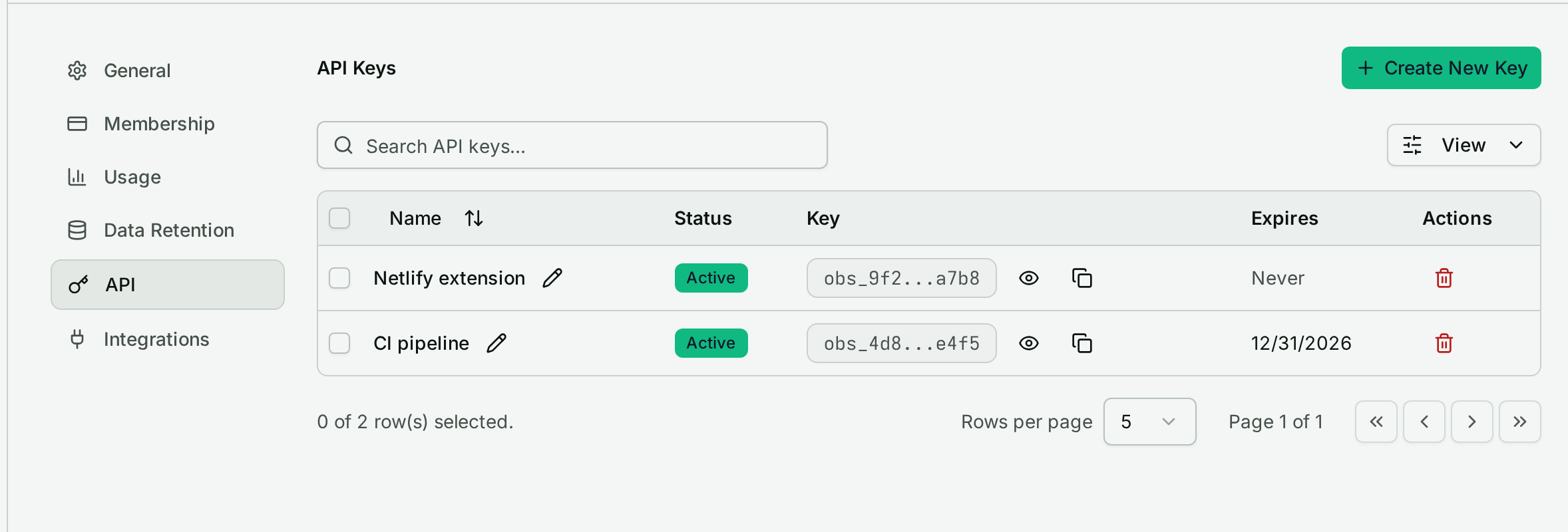
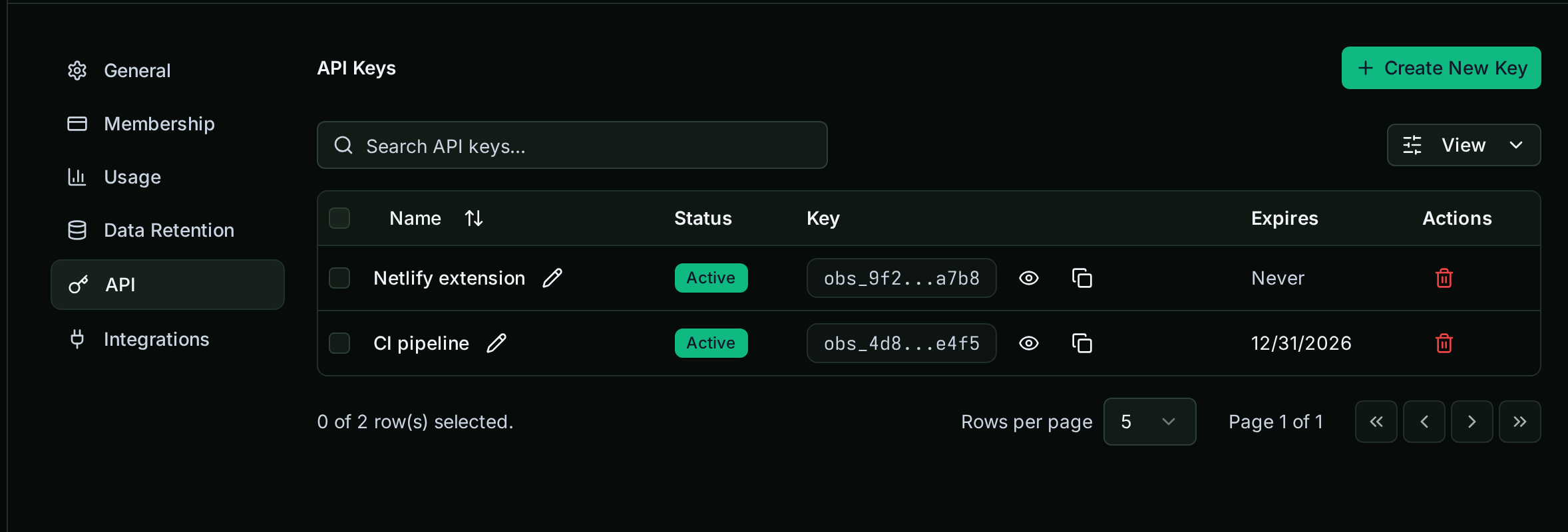
- In the extension's Team configuration, paste an ObserveOne API key. Generate one in ObserveOne under Settings ▸ API. The key is stored in the extension's team configuration on Netlify's side, readable only by the extension's server code: the UI only ever learns whether a key is set, and the key never enters your build environment.
- On each site that should trigger runs, open Site configuration ▸ General and switch on Run on deploy.
Wire suites to deploys in ObserveOne#
Deploy behavior is configured in Projects in the ObserveOne dashboard:
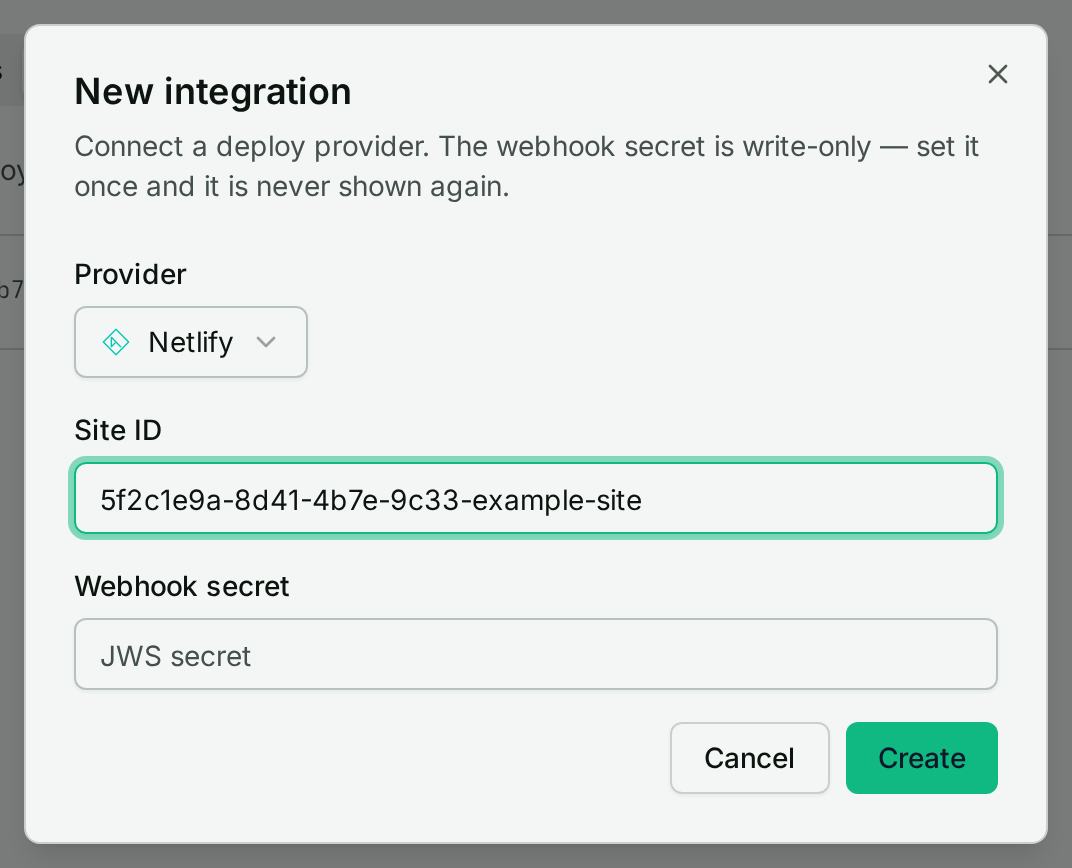
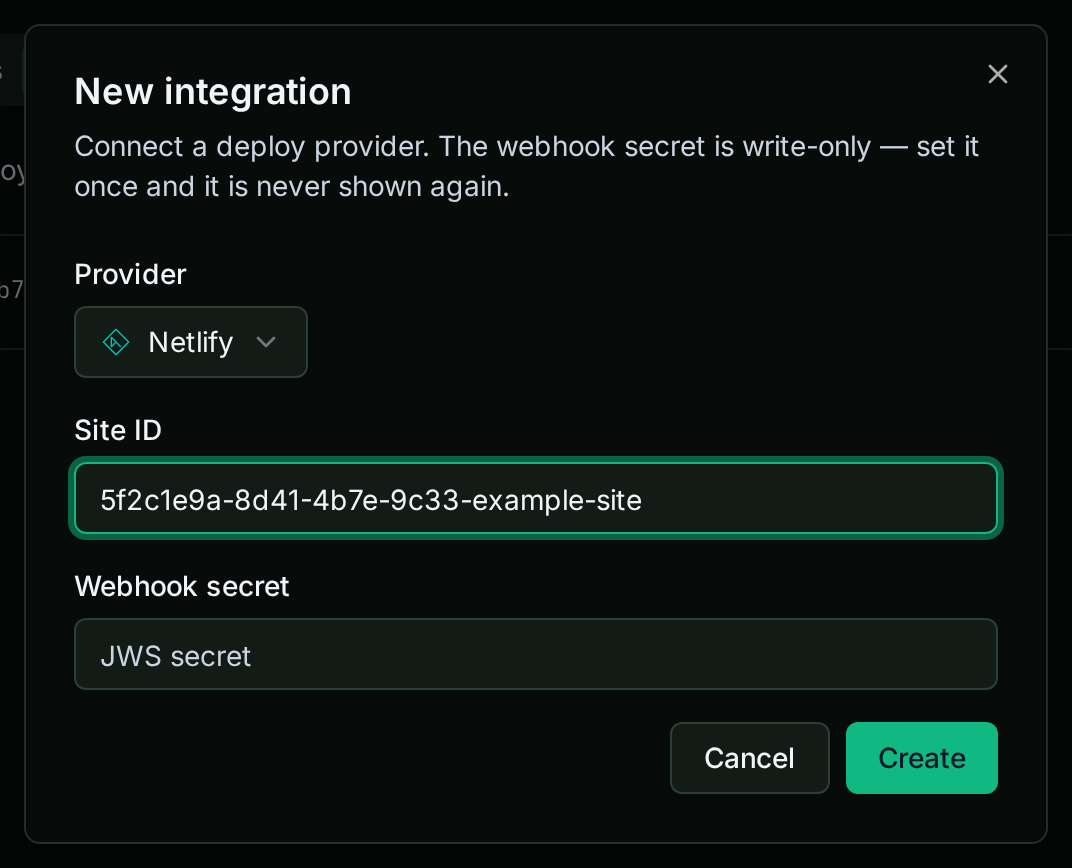
1. Open your project's Integrations tab and add a Netlify integration with the site's Site ID (copy it from Netlify under Site configuration ▸ Site details).
2. Open the Rules tab and add a deploy rule. A rule matches a deploy event and runs the suites attached to it:
- Context: production, deploy-preview, branch-deploy, or any.
- Branch: an optional exact branch filter.
- Environment: optionally attach a project environment; the suite runs with its variables and secrets as environment values.
- Suites: attach one or more Autopilot suites to run.
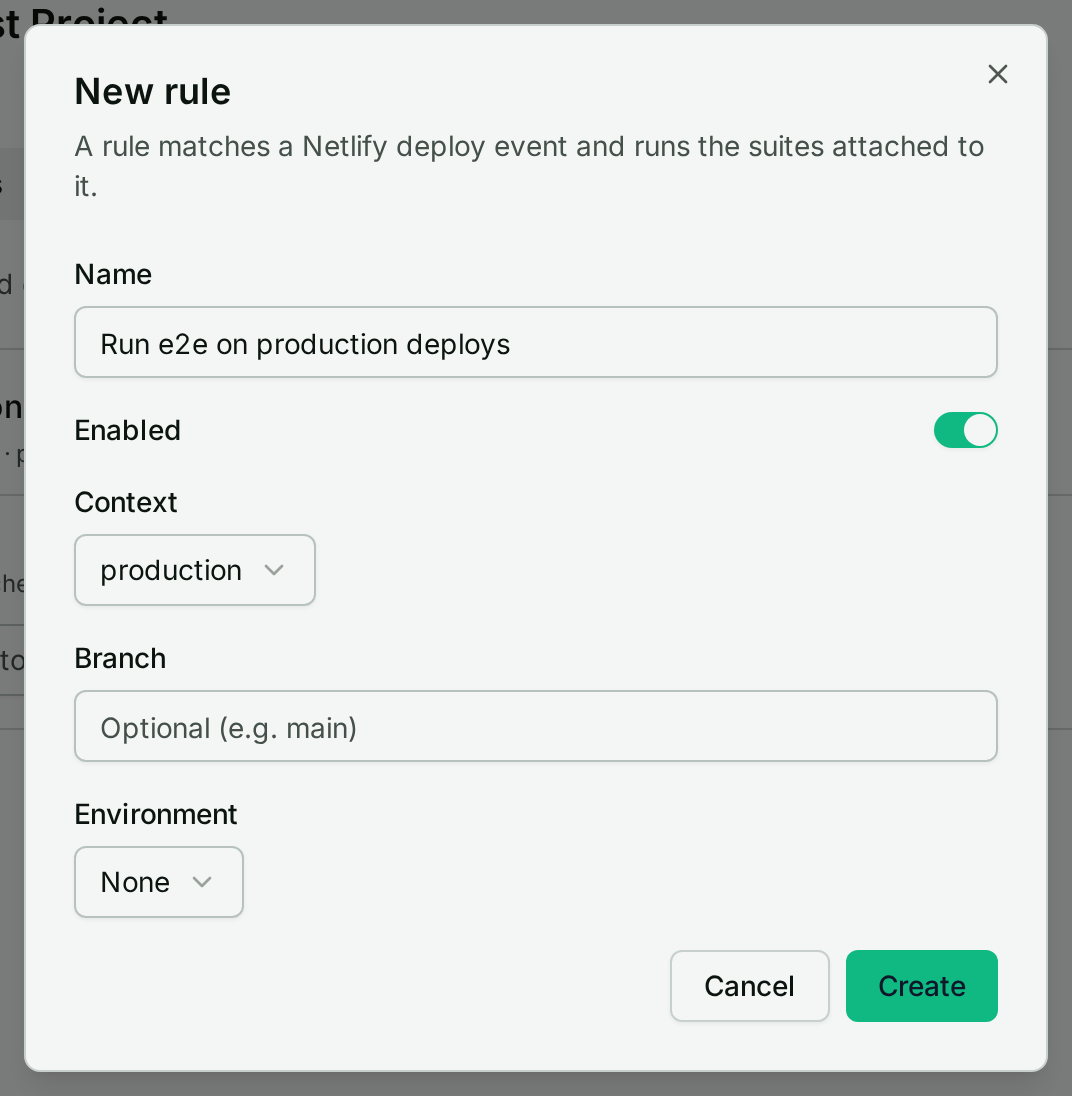
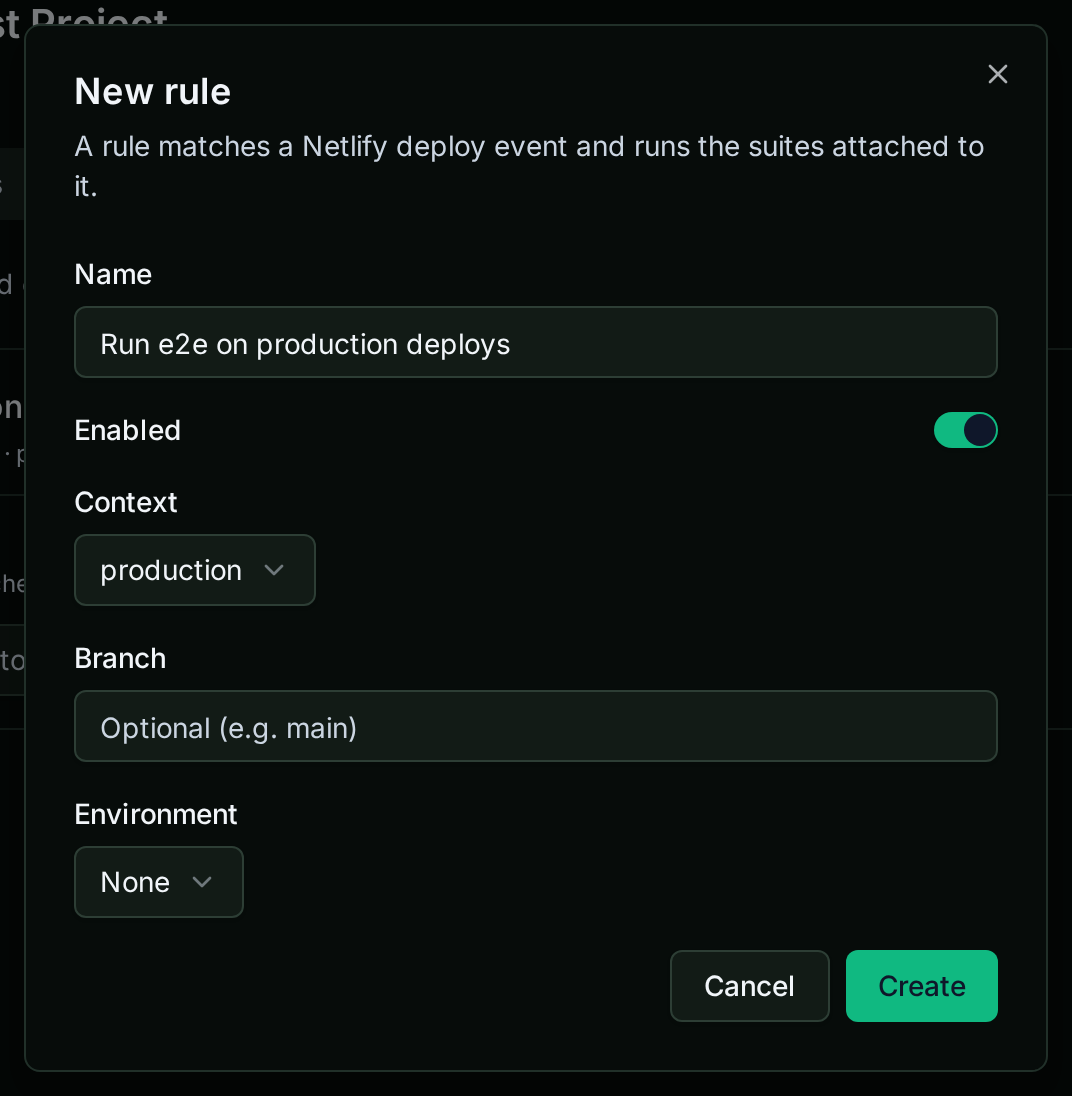
Rules compose: a common setup is one rule running the full suite on production deploys and a lighter smoke suite on every deploy preview.
What runs, and where results land#
Matching suites run retargeted at the deploy's URL, so a deploy preview is tested at its own preview address before anyone merges. Results appear in Autopilot like any other run, and your normal alerting applies.
Without the extension#
You can trigger the same rules engine from a plain Netlify deploy notification. After you add the Netlify integration in Projects ▸ Integrations, the dashboard shows a deploy webhook URL and a signing secret; paste them into Netlify under Site configuration ▸ Notifications as an outgoing HTTP POST on deploy succeeded. The extension is the simpler path, but the webhook works anywhere the extension is not installed.
Next steps#
- Autopilot suites: generate the tests your deploy rules will run.
- Collections & environments: the environments a deploy rule can attach.
- CLI getting started: manage checks and suites from the terminal.